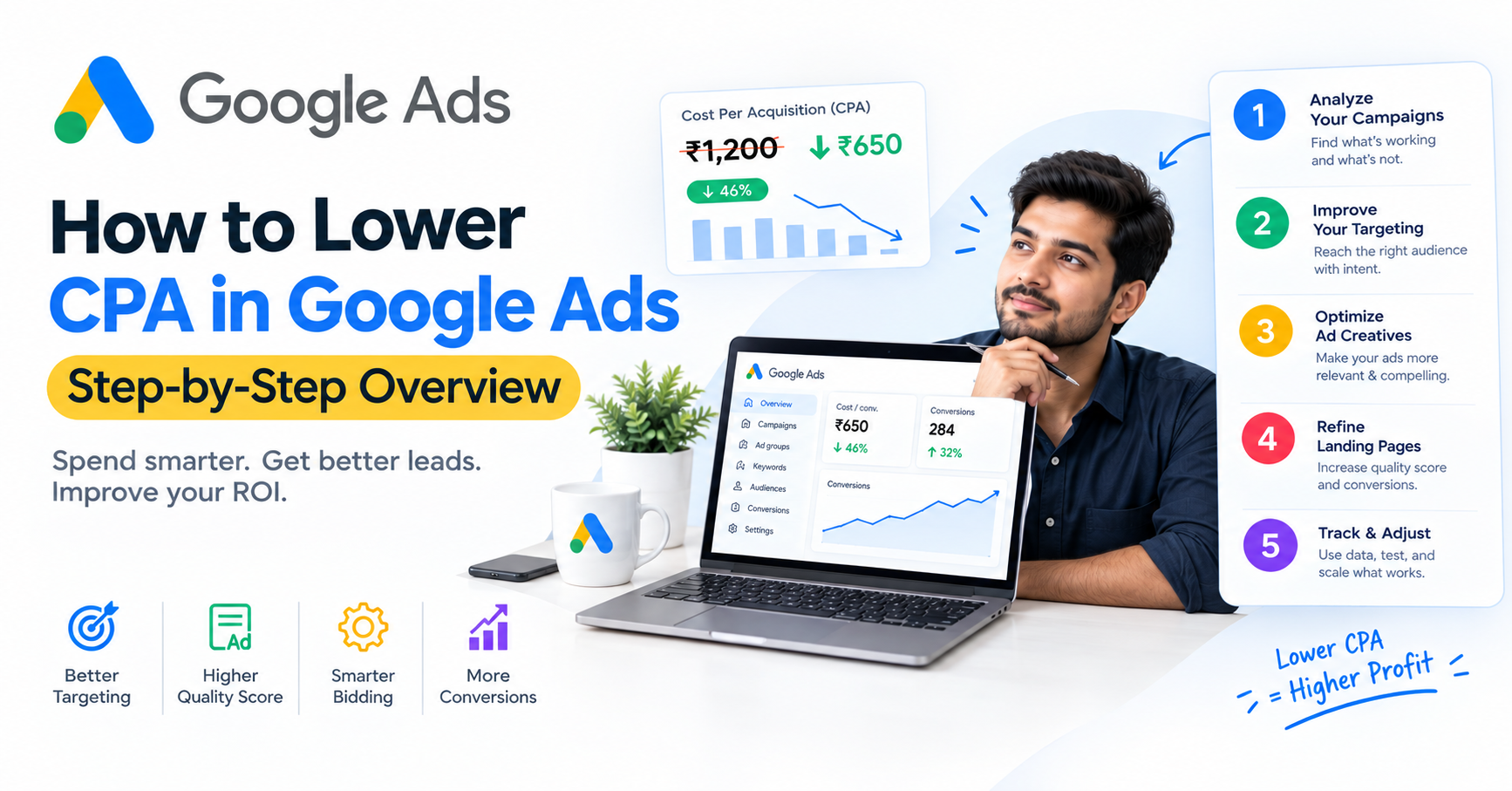
How to Lower CPA in Google Ads: 10 Proven Fixes to Reduce Acquisition Costs
A rising Cost Per Acquisition (CPA) quietly erodes campaign profitability. When ad spend climbs while lead volume and sales stagnate, many advertisers make the costly mistake of simply slashing budgets or raising bids blindly.
Lowering your CPA doesn’t require shrinking your pipeline. In Google Ads, high CPA is almost always a symptom of three underlying problems: paying for irrelevant intent, low Quality Scores inflating click costs, or friction on your landing page.
If you are wondering how to lower CPA in Google Ads, these 10 actionable, field-tested fixes will help you eliminate waste, refine your bidding, and turn unprofitable campaigns into high-converting revenue drivers.
1. Purge Wasted Spend via the Search Terms Report
Bidding on keywords is not the same as paying for actual user searches. Loose phrase and broad match queries routinely match with irrelevant user intent.
- The Problem: Broad intent terms (e.g., terms containing “free,” “jobs,” “DIY,” or unrelated competitor services) siphon budget without ever converting.
- The Fix: Review your Search Terms Report over the last 30 to 60 days. Sort by highest spend with zero conversions, and add those terms directly to your Negative Keyword Lists.
- Pro Tip: Build shared account-level negative lists so negative discoveries in one campaign instantly protect all others.
[Broad Intent Clicks] ──(Apply Negatives)──> [Zero Irrelevant Spend] ──> [Lower Blended CPA]
2. Eliminate Display Network & Low-Quality Search Partners
By default, Google checks two boxes on Search campaigns: “Google Display Network” and “Google Search Partners.”
- The Problem: The Display Network pushes search text ads onto mobile gaming apps and content sites where clicks are accidental or bot-driven. Search Partners often deliver poor conversion rates despite cheaper CPCs.
- The Fix: Go to Campaign Settings > Networks. Uncheck “Include Google Display Network.” Segment your performance by Network (with search partners); if partners deliver a significantly higher CPA than Google Search, disable Search Partners as well.
3. Tighten Geographic Targeting to “Presence Only”
One of Google Ads’ most subtle budget drains hides inside default location settings.
- The Problem: The default setting targets “Presence or interest: People in, regularly in, or who’ve shown interest in your targeted locations.” This lets users abroad trigger your ads if their query includes your city name.
- The Fix: Under Campaign Settings > Locations > Location Options, switch the selection to “Presence: People in or regularly in your targeted locations.” This confines every rupee/dollar strictly to users inside your operational boundaries.
4. Boost Quality Score to Cut Cost Per Click (CPC)
CPA is mathematically tied to your Cost Per Click. If your CPC drops while your conversion rate holds steady, your CPA falls automatically.
$$\text{CPA} = \frac{\text{CPC}}{\text{Conversion Rate}}$$
Google rewards high Quality Scores (7–10) with discounted CPCs via its Ad Rank formula.
- The Fix:
- Expected CTR: Improve Responsive Search Ad (RSA) copy with clear numerical hooks and strong calls to action.
- Ad Relevance: Group keywords into tightly themed ad groups (STAGs) so headlines closely match search terms.
- Landing Page Experience: Ensure the primary keyword appears in the destination page’s H1 and above-the-fold copy.
5. Audit Conversion Actions: Set Micro-Conversions to Secondary
If your automated bidding strategy optimizes for low-value actions, Google’s algorithm will spend aggressively to acquire cheap, low-intent clicks.
- The Problem: Setting newsletter sign-ups, page visits, or “Add to Cart” events as Primary conversions misleads Target CPA (tCPA) bidding into chasing easy actions instead of actual revenue.
- The Fix: Navigate to Goals > Conversions > Summary. Ensure only bottom-of-funnel conversion actions (form submits, booked calls, completed checkouts) are marked Primary. Mark all micro-actions as Secondary (observation only).
6. Apply Gradual Adjustments to Target CPA (tCPA)
Setting an aggressive, unrealistically low Target CPA overnight causes Google’s Smart Bidding algorithm to throttle ad delivery.
- The Fix:
- Never reduce your Target CPA target by more than 10% to 15% at a time.
- Allow 7 to 10 days between bid adjustments so the machine learning model recalibrates without throwing the campaign into an erratic learning cycle.
- If a campaign is struggling to generate conversions, temporarily switch to Maximize Conversions (without a target cap) for 2–3 weeks to accumulate conversion history before re-enabling a tCPA constraint.
7. Fix Device & Schedule Inefficiencies
Not all devices and hours of the day generate equal conversion value.
┌─────────────────────┬──────────────────┬────────────────────────┐
│ Segment             │ Conversion Rate  │ Action Required        │
├─────────────────────┼──────────────────┼────────────────────────┤
│ Desktop             │ 6.8%             │ Increase bid/budget    │
├─────────────────────┼──────────────────┼────────────────────────┤
│ Mobile              │ 1.2%             │ Audit mobile UX / -20% │
├─────────────────────┼──────────────────┼────────────────────────┤
│ Midnight to 5:00 AM │ 0.2%             │ Apply ad schedule cut  │
└─────────────────────┴──────────────────┴────────────────────────┘
- The Fix: Segment your data by Device and Ad Schedule (Day & Hour). If mobile conversion rates lag desktop significantly, your mobile page experience has friction. Apply bid adjustments (or exclude hours entirely) where traffic burns budget without producing sales.
8. Prevent Brand Cannibalization in Generic & PMax Campaigns
Branded search terms naturally convert at a very high rate and low CPA.
- The Problem: When Performance Max or generic non-brand Search campaigns bid on your own company name, your reported CPA looks artificially low while your genuine customer acquisition cost skyrockets.
- The Fix: Apply a Brand Exclusion List to your Performance Max campaigns and add your brand terms as negative keywords in your generic search campaigns. Keep brand terms isolated in their own dedicated, low-budget search campaign.
9. Eliminate Placement Waste on Mobile Apps & Video Channels
For Display and Performance Max campaigns, low-quality placements quietly consume daily budgets.
- The Problem: Ads frequently run inside hyper-casual gaming apps and kids’ YouTube channels, where clicks are largely accidental.
- The Fix: Go to Tools & Settings > Suitability / Placements. Exclude all mobile app categories and apply account-level placement exclusion lists to block known Made-For-Advertising (MFA) click-farms.
10. Improve Landing Page “Message Match” and Speed
You can build a technically flawless ad campaign, but if the landing page fails to convert, your CPA remains high.
- Message Match: Ensure the exact promise in your ad headline appears immediately in your landing page H1 headline. Removing cognitive friction stops visitors from bouncing.
- Speed: Over 50% of mobile visits bounce if a page takes longer than 3 seconds to load. Compress heavy imagery, eliminate render-blocking scripts, and simplify form fields to just 3–4 inputs.
Summary Checklist to Lower CPA
| Priority | Optimization Step | Expected Impact |
| Immediate | Add negative keywords from Search Terms Report | Immediate waste elimination |
| Immediate | Switch location settings to “Presence only” | Blocks out-of-market clicks |
| Immediate | Exclude Display Network from Search | Removes accidental app clicks |
| Medium-Term | Fix Primary vs. Secondary conversion actions | Cleans Smart Bidding signals |
| Medium-Term | Adjust tCPA targets in 10–15% increments | Maintains algorithmic stability |
| Ongoing | Tighten ad relevance & improve page speed | Lowers CPC via Quality Score |
Reducing your CPA is not a one-time event; it is an iterative optimization routine. By plugging budget leaks, directing algorithms toward clean first-party data, and aligning ads with high-converting landing pages, you will steadily drive down acquisition costs and maximize your return on ad spend.
Phone: +918618112263